Appearance
Tags
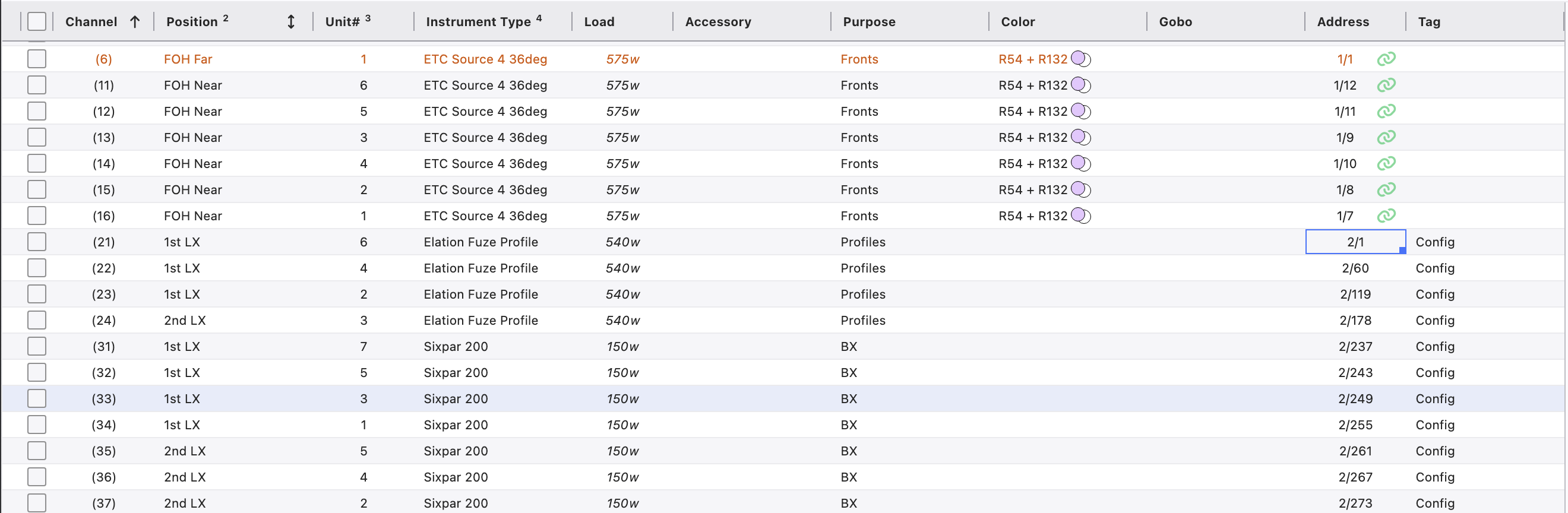
Tag is a Column you can add that at first glance seems just like any other Column, but functions in subtly different ways. Tags are more like Keywords, in that you can apply as many or as few Tags to an item as you wish.
You can enter Tags manually by adding the Column and typing an entry. Or you can go to Maintenance>Tag to manage all your Tags.
Example: The Limit example in this Manual refers to a Tag called Configurable. This designation allows the Limit to show only fixtures where the Tag "Config" is present. Can be helpful for printing lists of devices for shop prep.