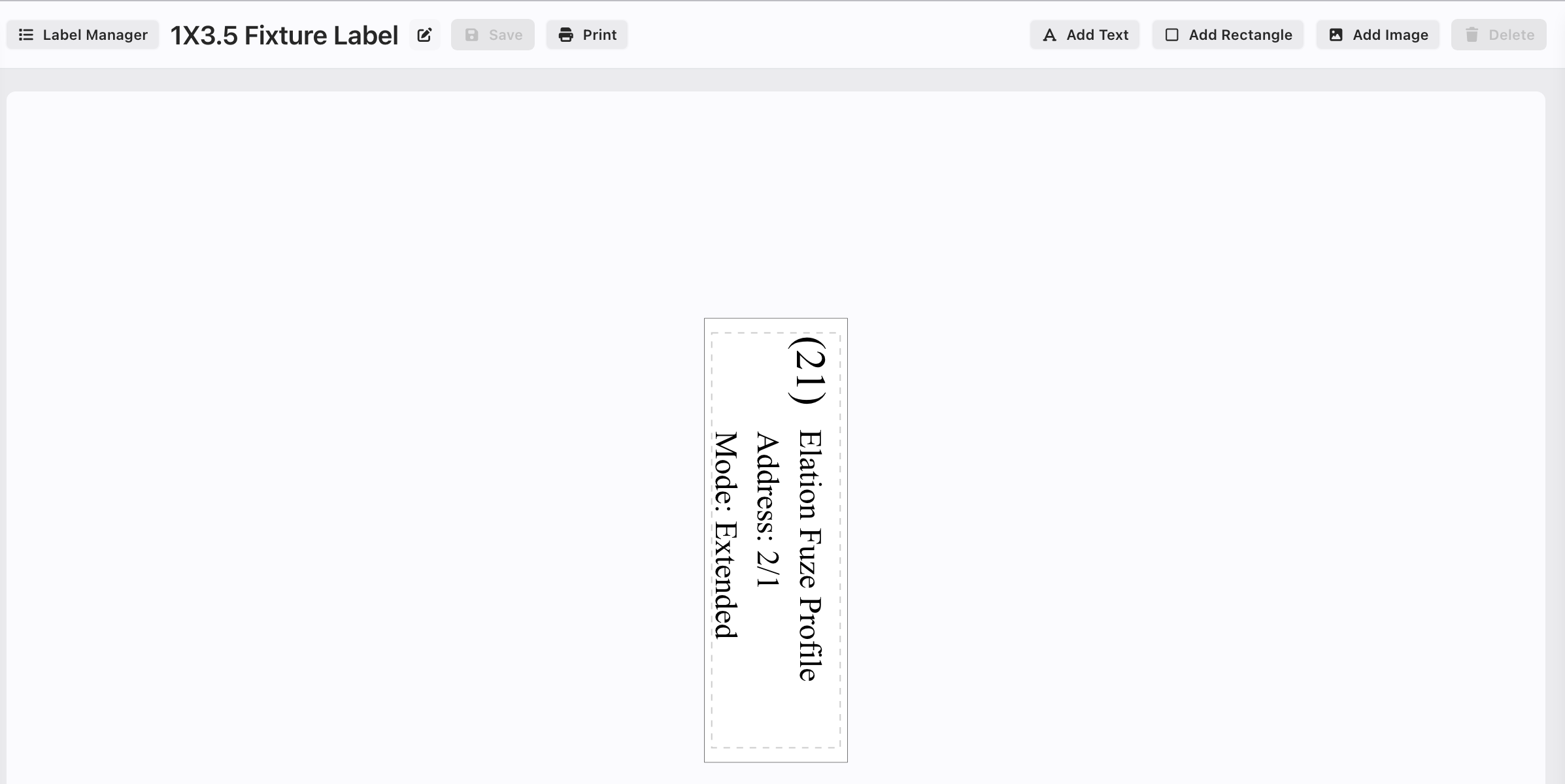
Appearance
Roll Printer Labels
Roll Labels are now supported! This is not terribly different from creating a Sheet Label, so make sure you have read that section first. In your Label Manager, click the + in the blue circle:  A popup opens.
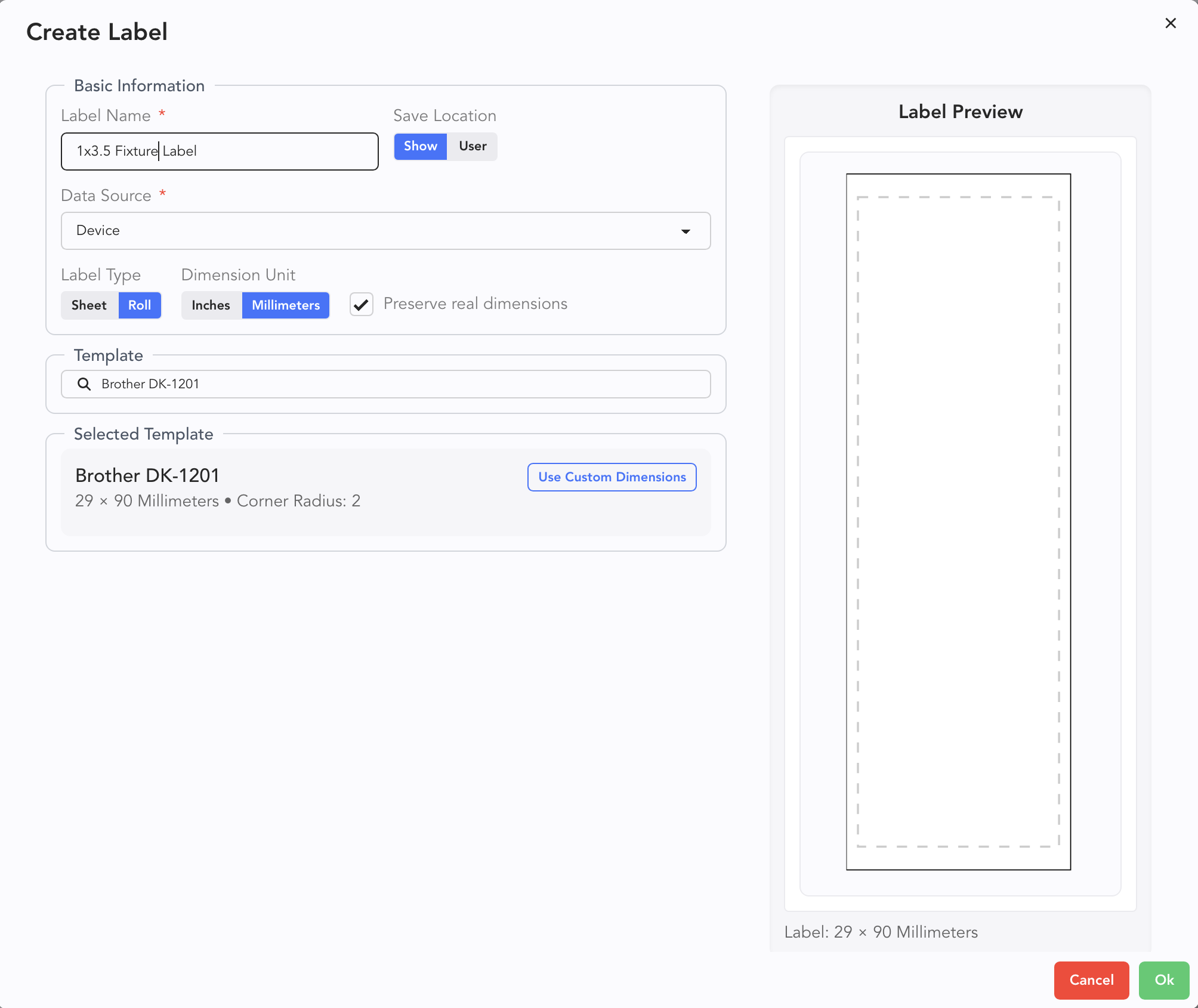
Enter a name for your Label, then choose Roll, then enter your roll Template number. Click Ok.
TIP
Don't forget under the Position tab there is a Rotation attribute!
Add the fields you need.