Appearance
Export to CSV/TSV/Excel
Lightwright has powerful options to export. Go to File>Export to CSV/TSV/Excel.
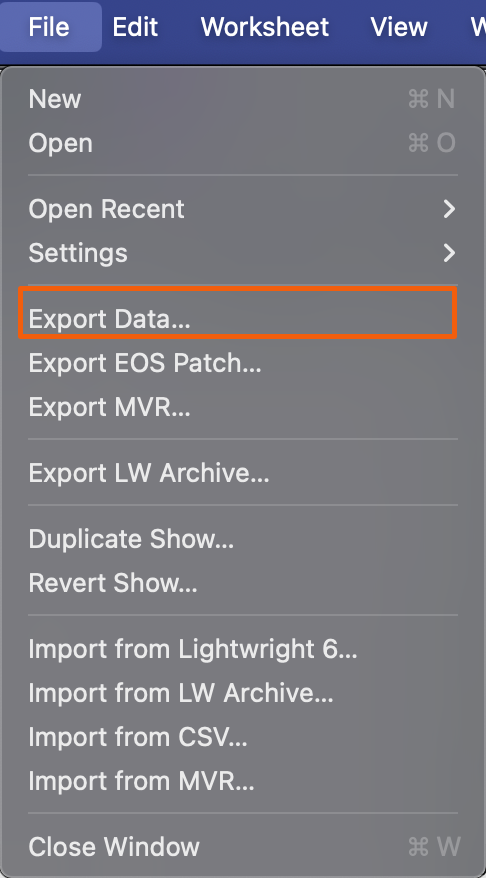
This opens a popup with many options to scroll through.
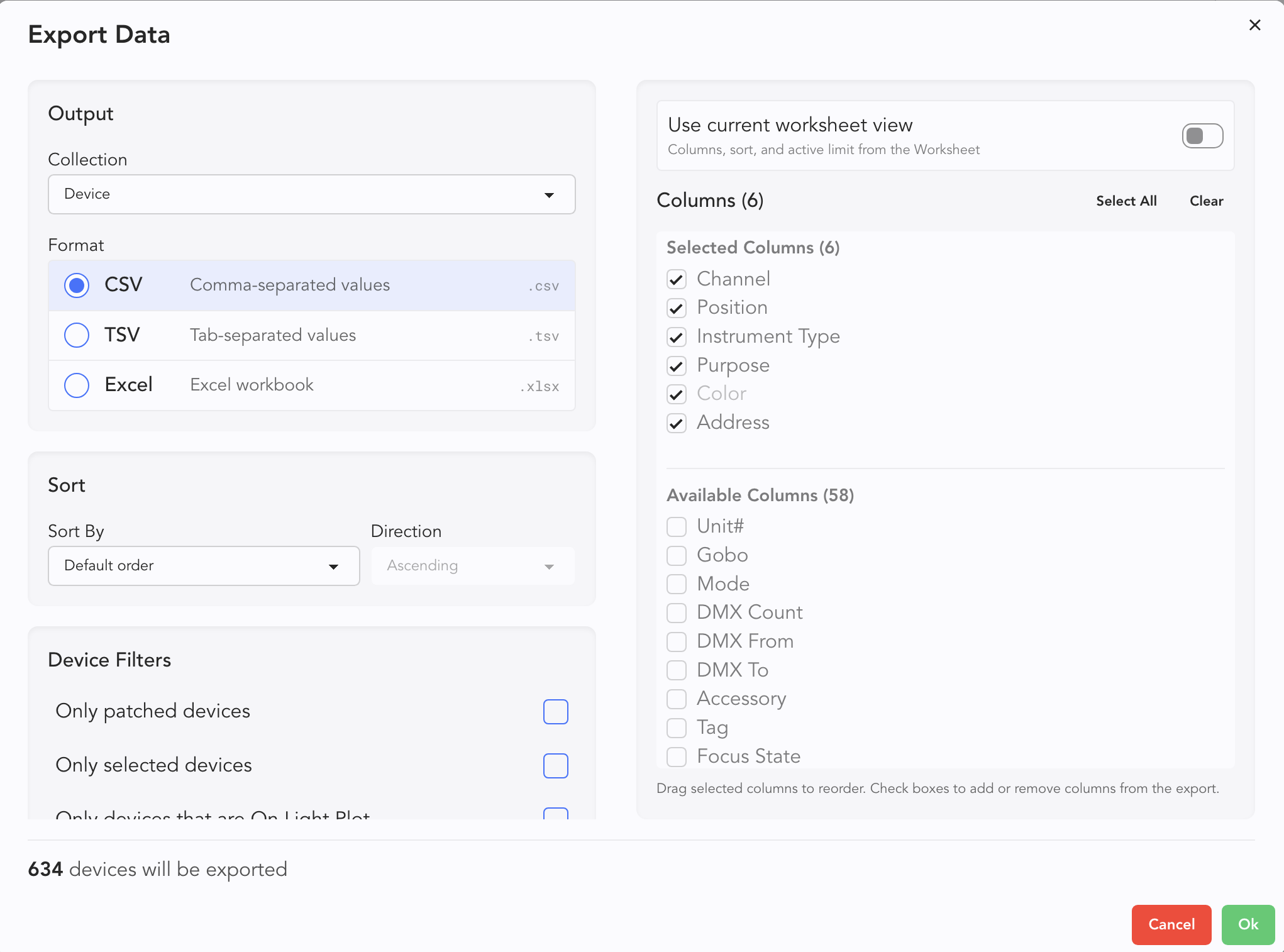
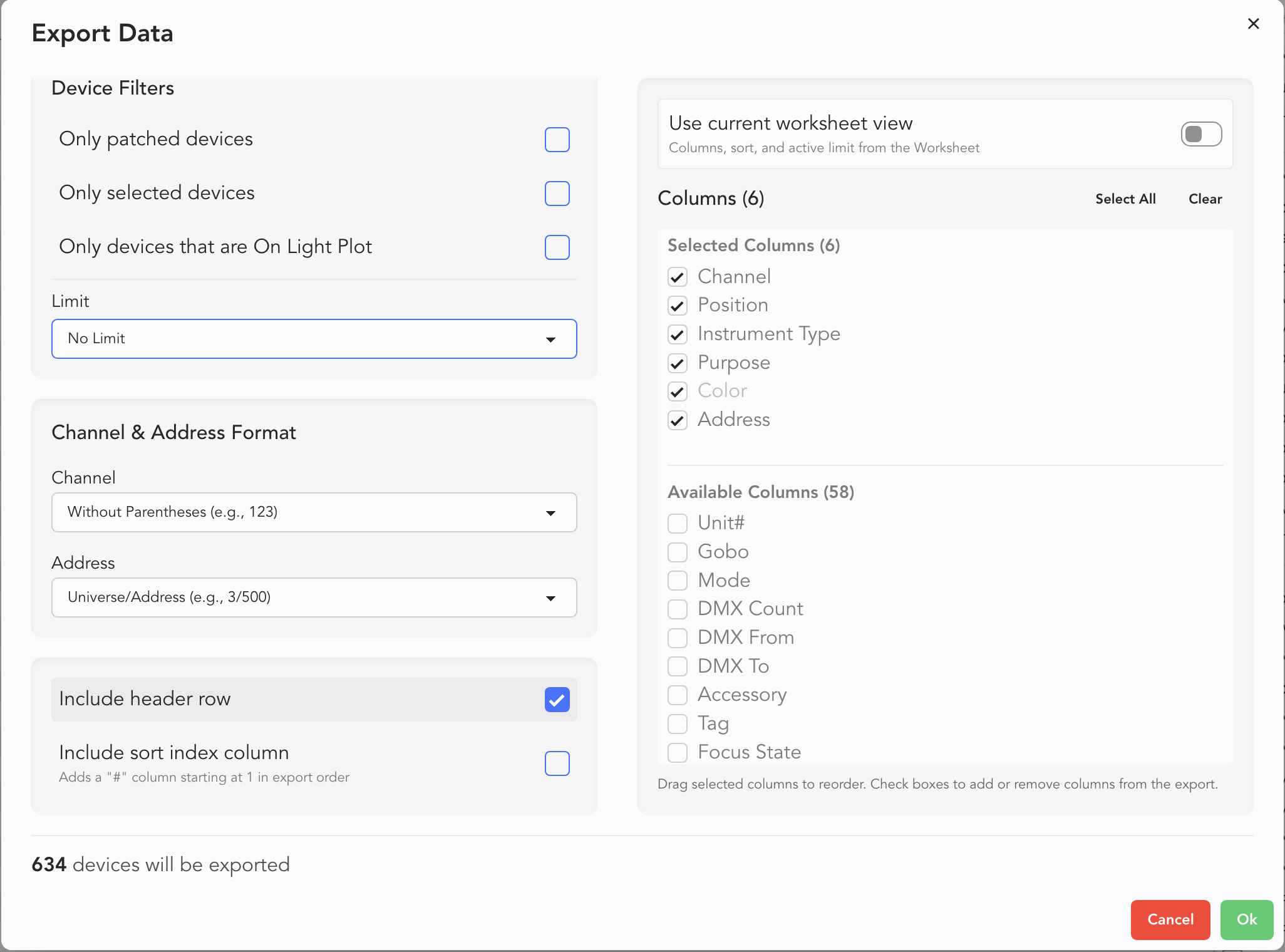
Since so many options are possible, this manual will describe an overview rather than an exhaustive description.
Collection is the particular database to draw from. Similar to creating a Label.
Format allows you to choose which format to export to.
Sort-- choose the default or your own identifier to sort from.
Use current worksheet view allows you to export only the data and devices in your current Worksheet view.
Columns-- select or deselect your columns here.
Device Filters-- similar to Labels, you can choose between Patched, Selected, or On Light Plot to filter down your export.
Channel and Address format is an important thing to consider for inter-operability.
Include header row-- allows you to include or exclude a header row.
Include sort index column-- adds a column that numbers your devices in your chosen sort order.