Appearance
Gobo Wheel Setup
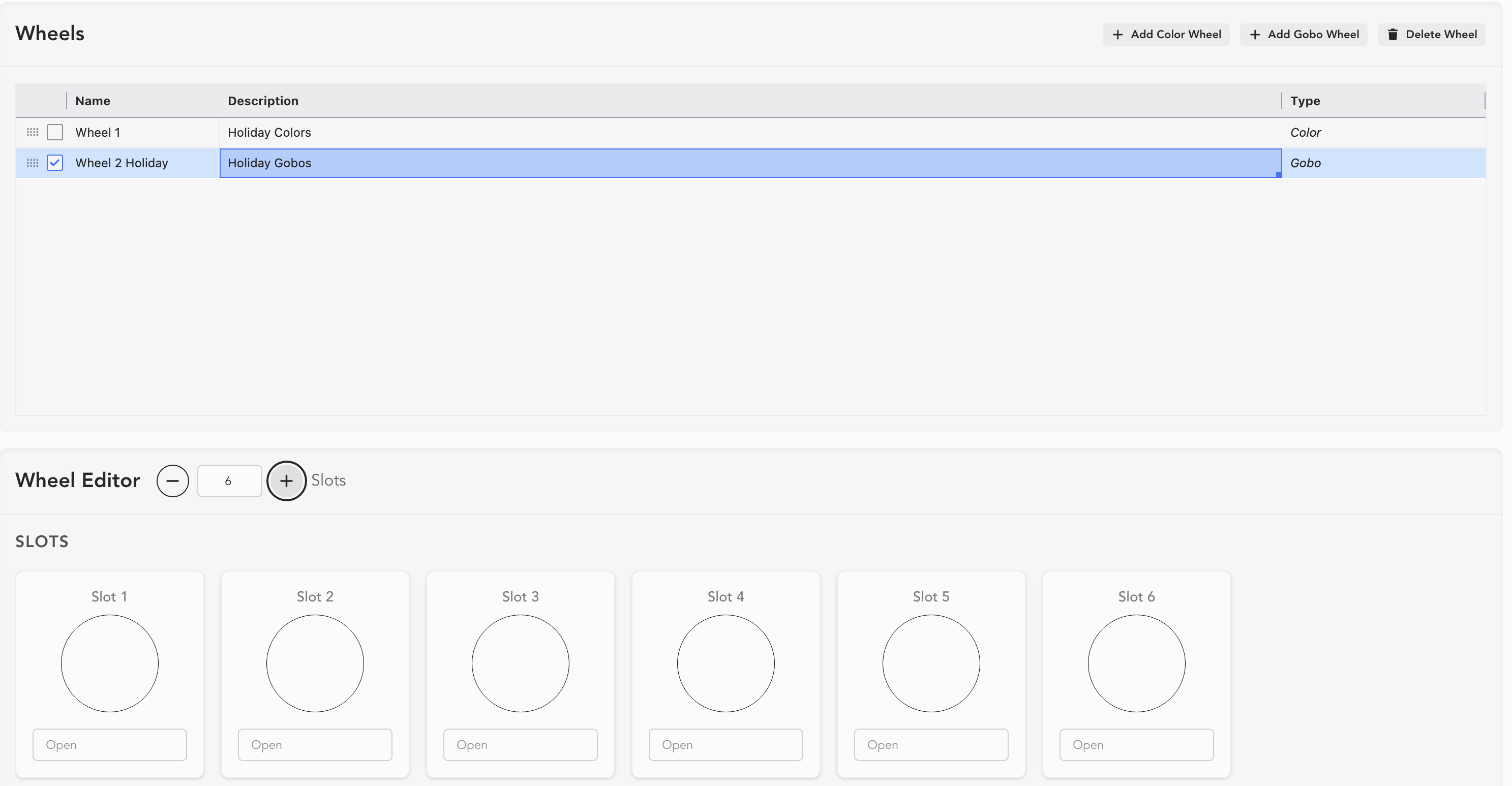
Navigate to Wheels in the Gobo Maintenance Sidetabs.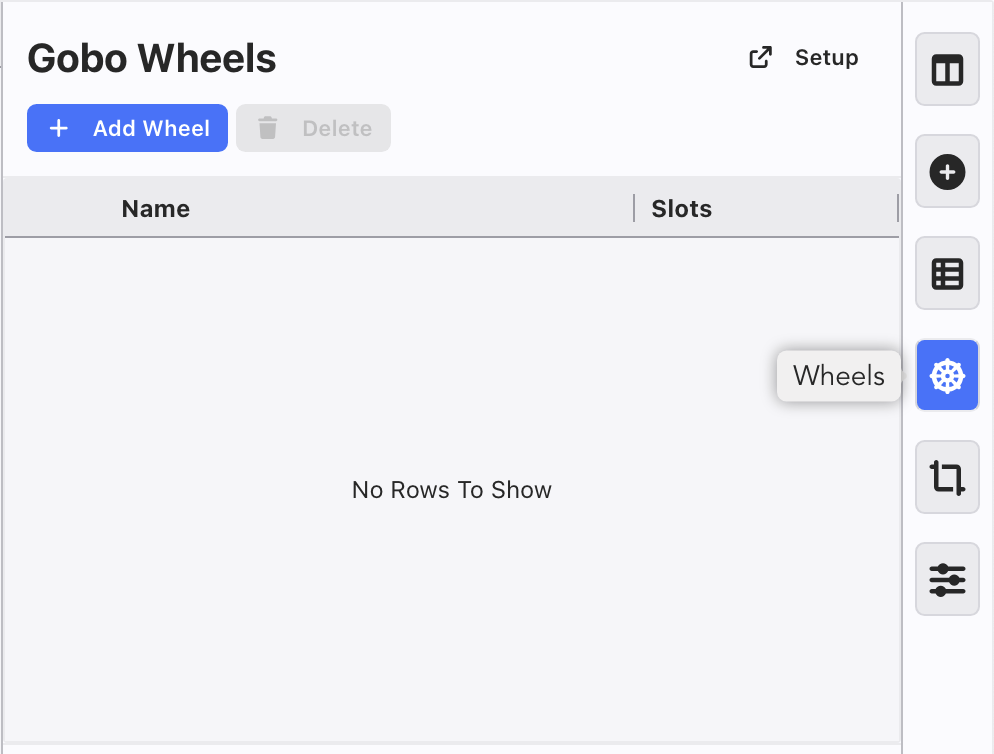
Touch Add Wheel.
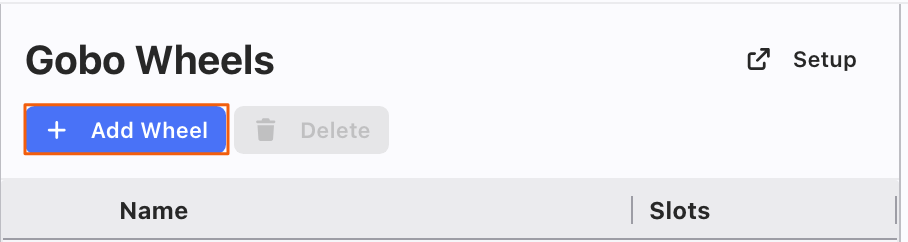
This will add a Wheel. Tick the Select Box and press Setup in the upper right.
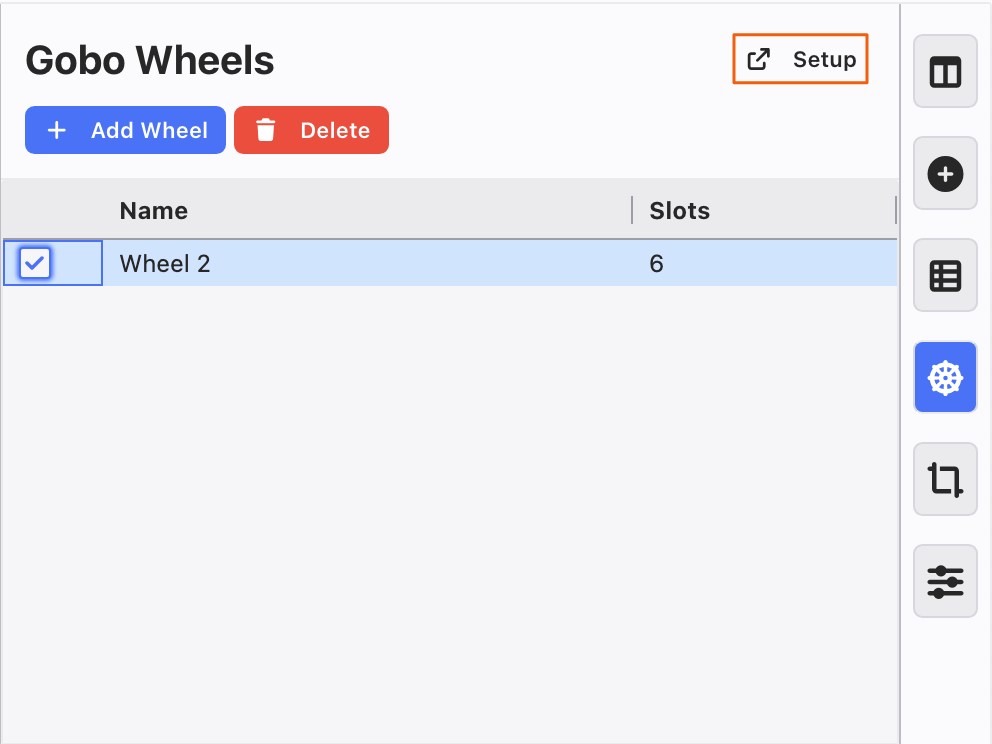
This will open a new window.
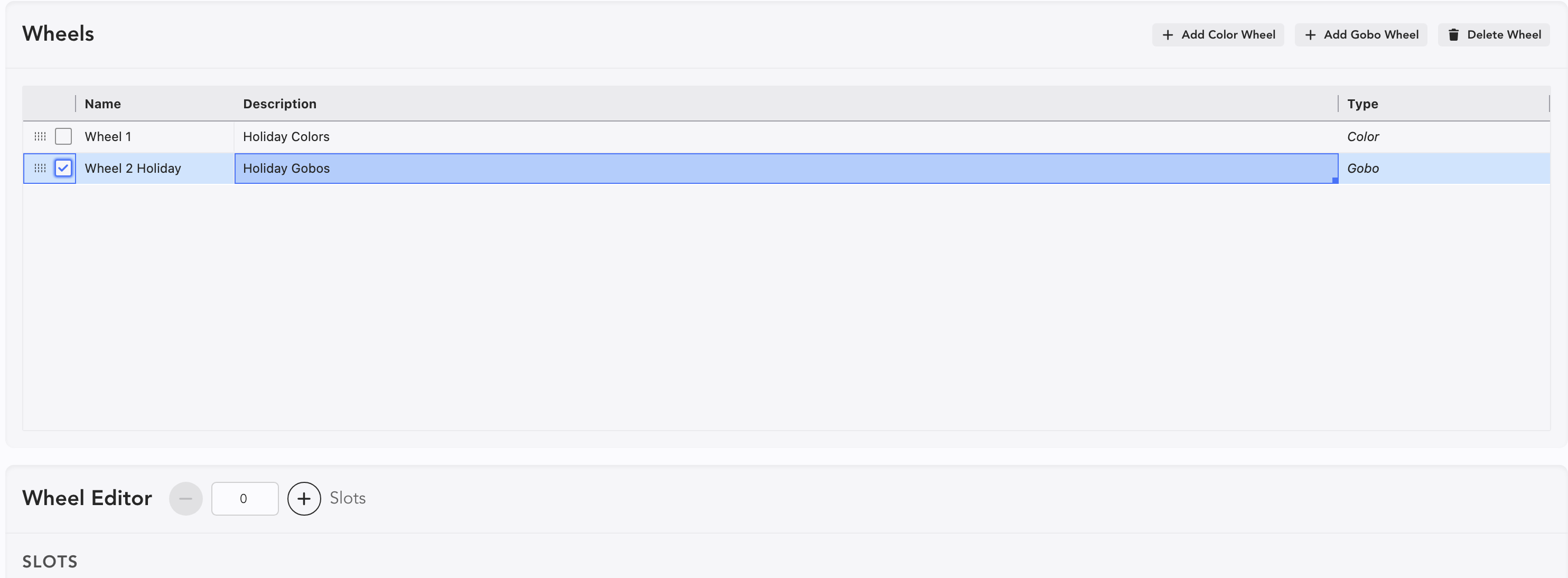
You can change the Name, as long as you start with the word "Wheel". Or you can use the Description if you wish.
Press the + at the lower left to add slots to receive your Gobos.
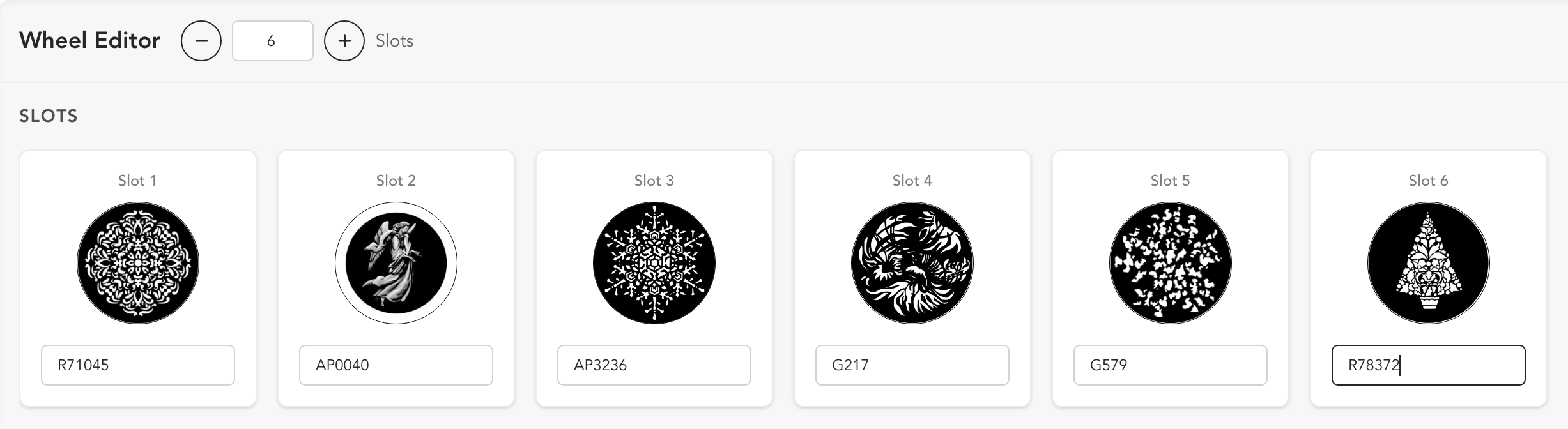
To get your gobos loaded, type their name in from the Gobo Maintenance List.
WARNING
Until you assign a Gobo Wheel to Device, Remove Unused in Gobo Maintenance will remove all Gobos that are only used in a Gobo Wheel. Protect your data!