Appearance
Work Notes in Worksheet
Got to Worksheet Settings on the Sidepanel.  in the Worksheet to display your work notes. Turn on Work Notes with the toggle.
 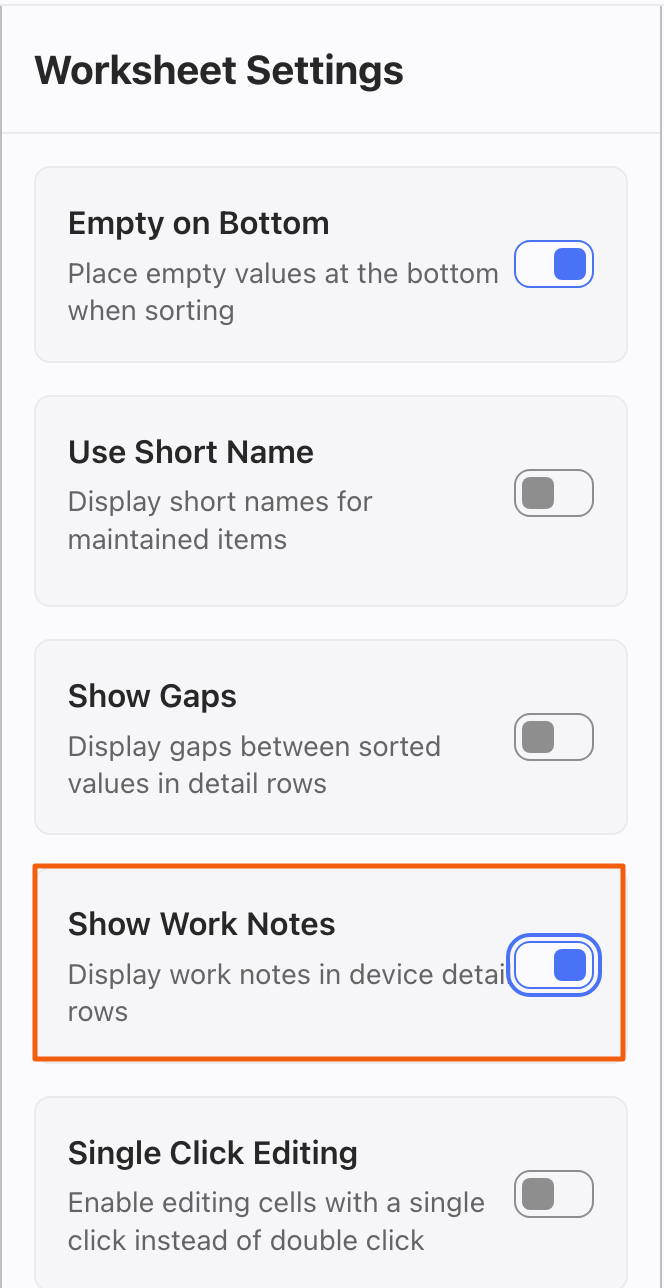 Any Device that has a note will display it below the Device in the Worksheet.

TIP
You can add a note from the Worksheet by right-clicking the item and choosing Create Work Note. Of course, you can also add Work Notes in the dedicated Work Note view.