Appearance
Export to MVR
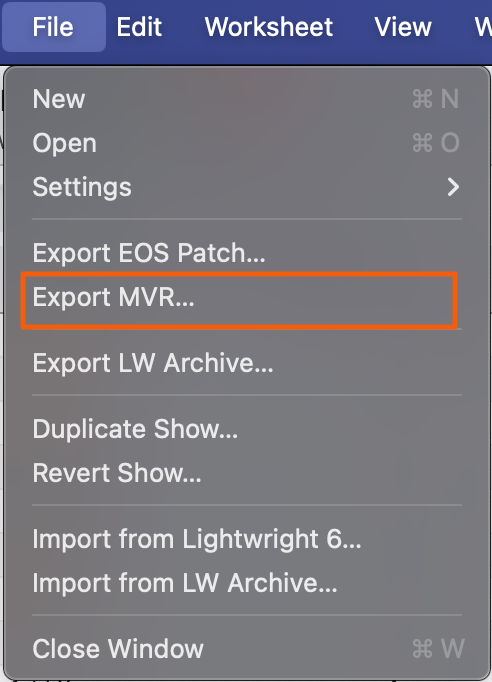
Create your MVR file by going to File>Export MVR.
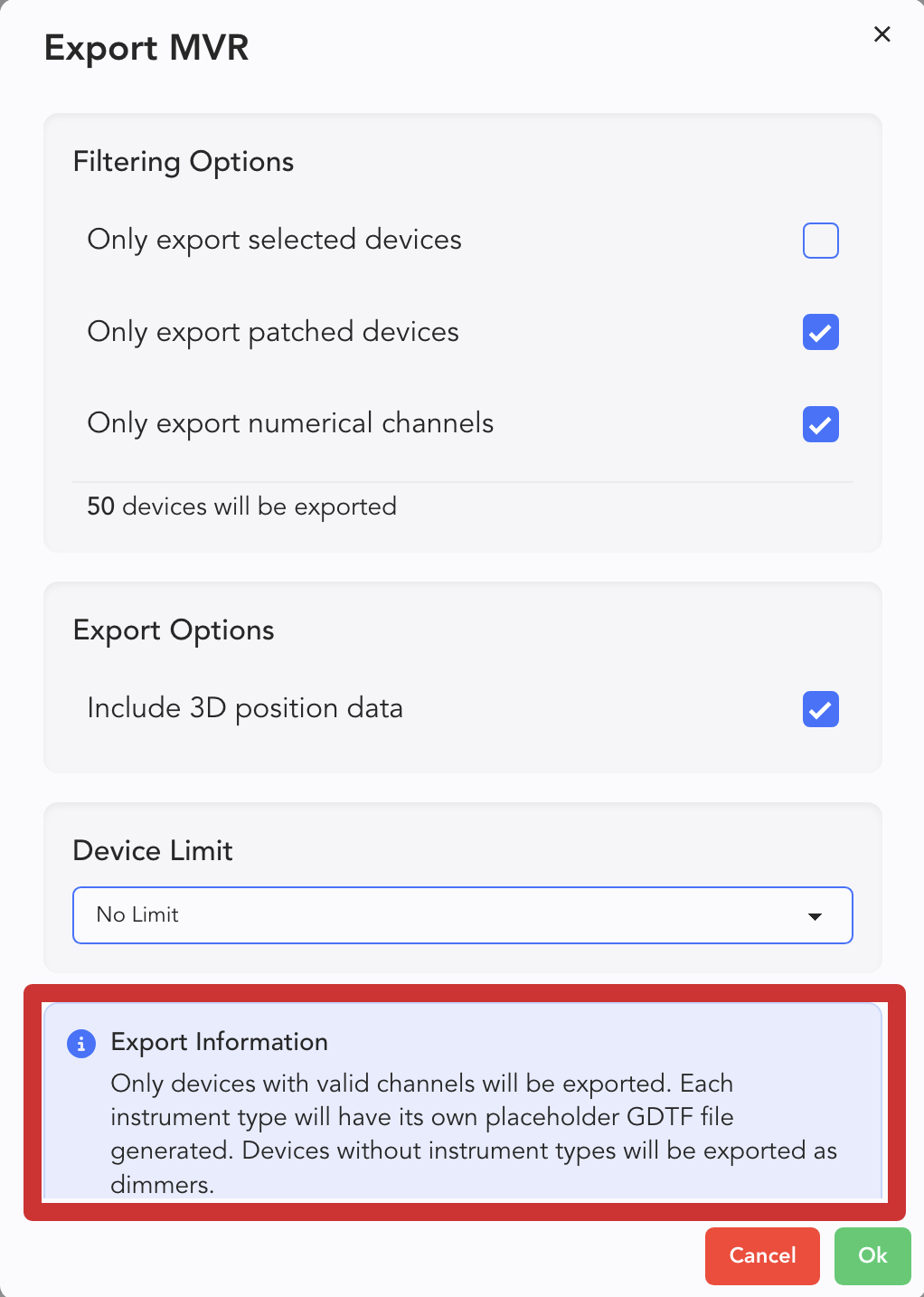
A very important popup opens (important part at the bottom).
Only export selected options-- a function that allows you to filter your MVR export to what devices you have selected in the Worksheet.
WARNING
Only devices with valid channels will be exported. Each instrument type will have its own placeholder GDTF file generated. Devices without instrument types will be exported as dimmers. This means any instrument you import into another platform will need to have their fixtures remapped, as LW doesn't export actual fixture profiles.
Click Ok and choose where your file should go.