Appearance
Interface Navigation
Welcome to the all-new Lightwright. Navigation is a streamlined experience, so let's get you orientated.
Pull Down Menus
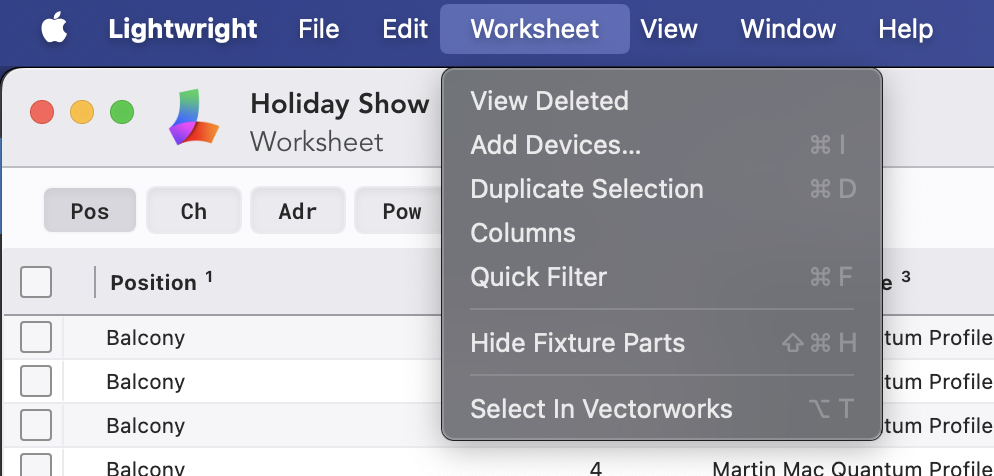
Pull down menus are spare and many frequently used items have been moved to the interface.
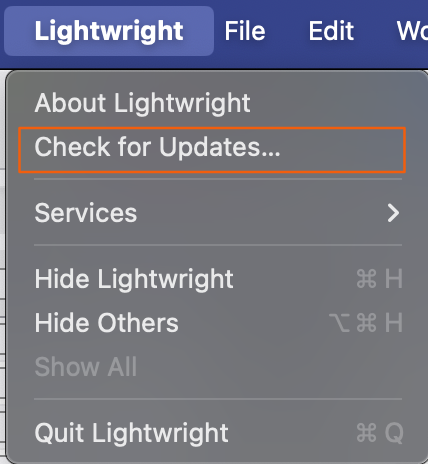
You can check for updates under the Lightwright pulldown.
Navigation Tab
Most navigation will happen from the tab at the upper right of the interface.

Hovering your mouse over any tab will show you the name. They are, from left to right:
Worksheet-- your primary working area
Maintenance-= where you fine tune details about any category of data including sort order, renaming, adding profiles to your devices, etc. This is a pull-down menu where you can choose which category to maintain.
Power-- set up Services, Power Distros, Dimmers, etc. Pull-down menu allows you to choose between Power Plan or Worksheet.
Cables-- track and count your Multis, Extensions, DMX, Network cables and looms. Pull-down menu allows you to choose between Cable Plane, Worksheet or Maintenance.
Paperwork-- lay out your data for printing and sharing.
Labels-- create labels for multiple needs pulling straight from your existing data.
Work Notes-- create and manage work notes.
Vectorworks-- sync with Vectorworks as you draft and revise.
EOS Console Link-- share and compare your Lightwright file with your Eos show file through OSC.
Settings-- Name your Show, invite collaborators, choose your preferences.
Right Click Context Menus
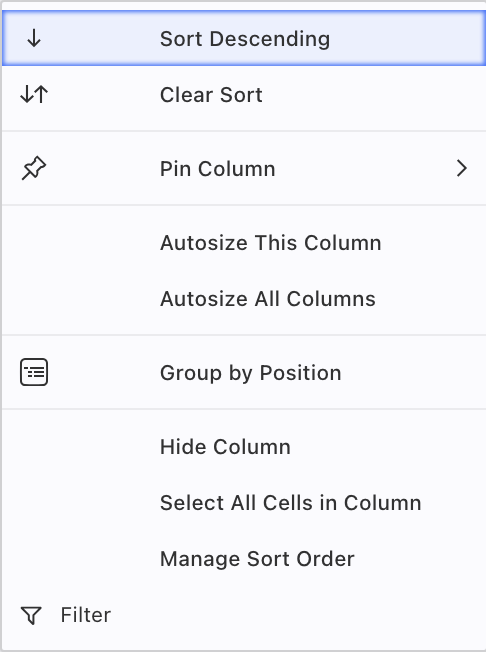
Additional options are available through right-clicking objects in your interface like Headers.