Appearance
Color Maintenance
Common Maintenance Tools (covered at top of Maintenance) are all present in Color Maintenance as well as some that are unique. Let's go over them.
Color Maintenance has built in color catalogues to draw from. To add a color, click the blue plus  in the upper left, or touch the black circle with a plus in the side tabs. Then type the gel identifier into the Name field.

- Exclude from Counting-- a tool that allows you to exclude any value (such as NC) from being counted.
- View Cut Counts-- a toggle that shows the frame size and cuts needed to fill your show needs.
TIP
You must have specified frame size in the Instrument Maintenance area first.
New Columns:
Stock Qty-- a place to make Lightwright aware of your gel stock.
Sheet Height/Width-- enter the dimensions for your sheets of gel here.
Color Maintenance Sidetabs
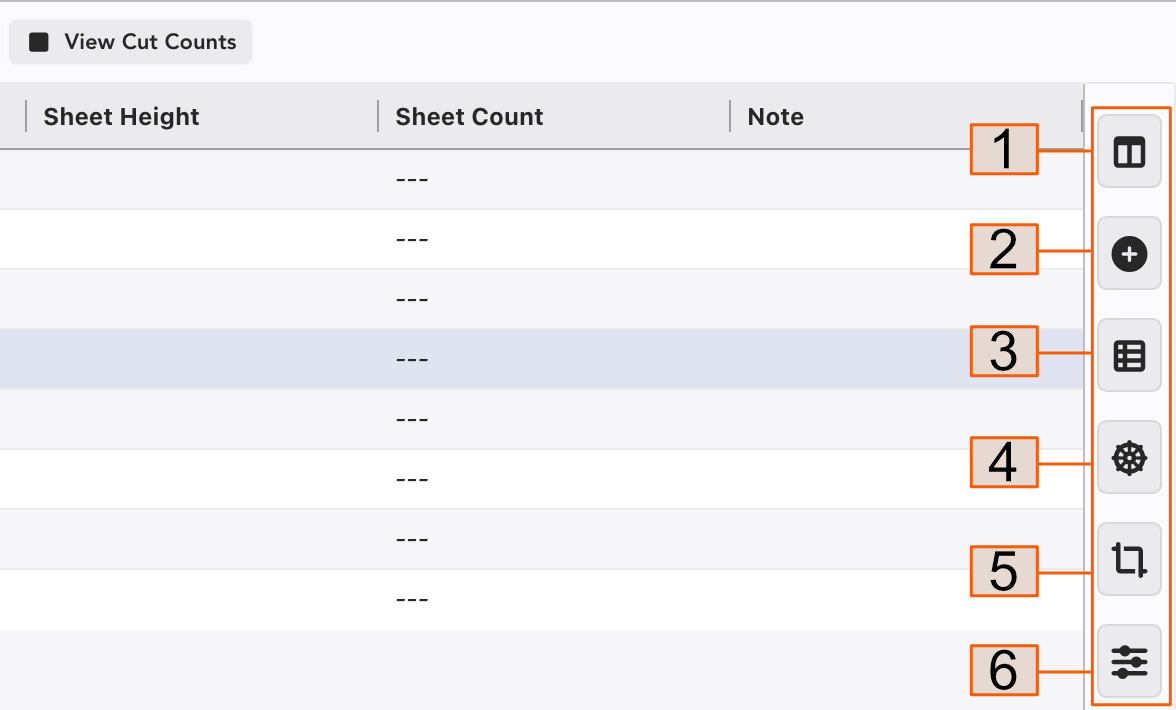
Columns-- sort, hide or add Columns here.
Add Item
Devices Using Item-- Select any color and touch this tab to see a list of what devices are using it.
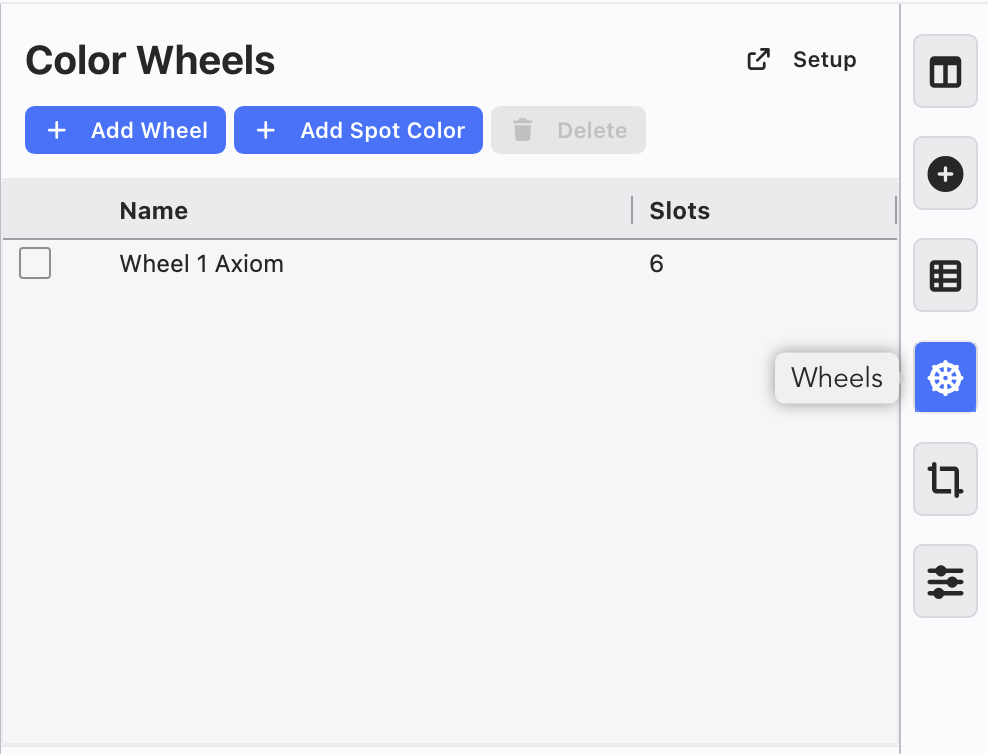
Wheels-- Opens your list of Color Wheels. This is also where you start building Wheels and add Spot Color. Adding Wheels will be covered at the next section.
Color Frames-- a place to customize your frame sizes. An example-- many users cut their 6.25" cuts to 6" because then they can get 12 to a sheet. You can inform Lightwright of that here.
Settings