Appearance
Color Wheel Setup Procedure
Wheels are items typically found in moving lights. They are a circle with slots that can be placed in front of the lamp. The two main uses are for color and gobos. Some users have the need to customize these stock items for the needs of their shows. Lightwright allows you to note that with the Wheel area in Color and Gobo Maintenance.
INFO
Lightwright populates the slots in Wheels from the library or from the content in your Color and Gobo Maintenance lists. If you type a catalogue item into a slot and Lightwright doesn't populate an image automatically, you will need to add the item into the Maintenance list.
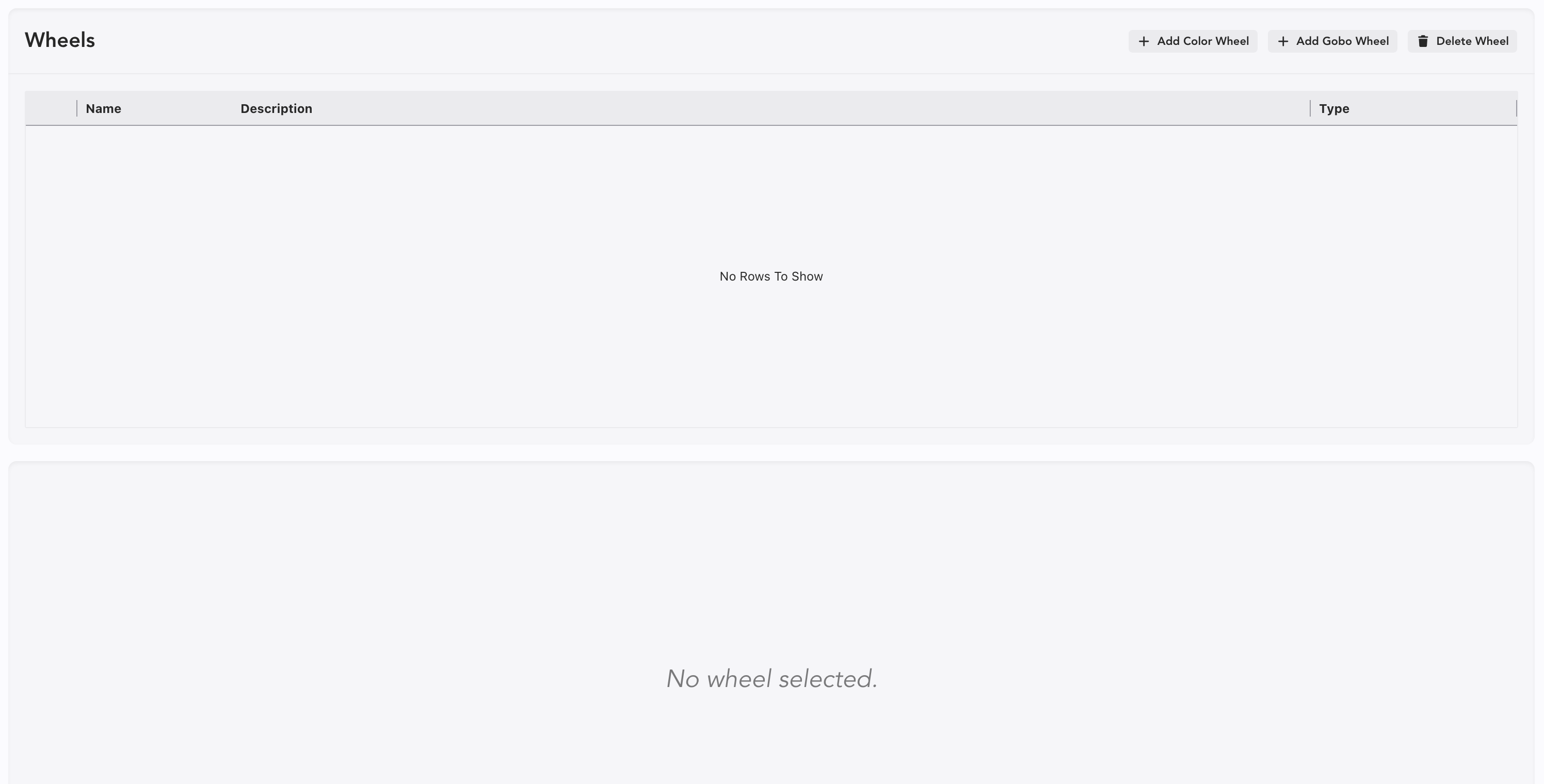
The following approach works on both Color and Gobo Wheels. Let's start by making a color wheel. Open Wheels in the Sidetabs.
Click Add Wheel  to start.
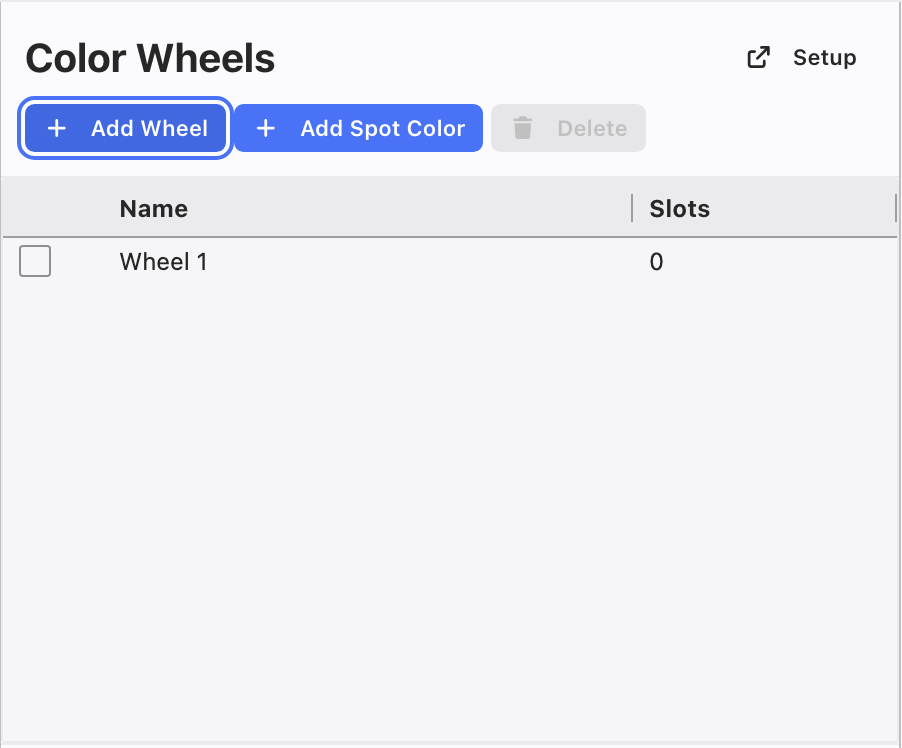
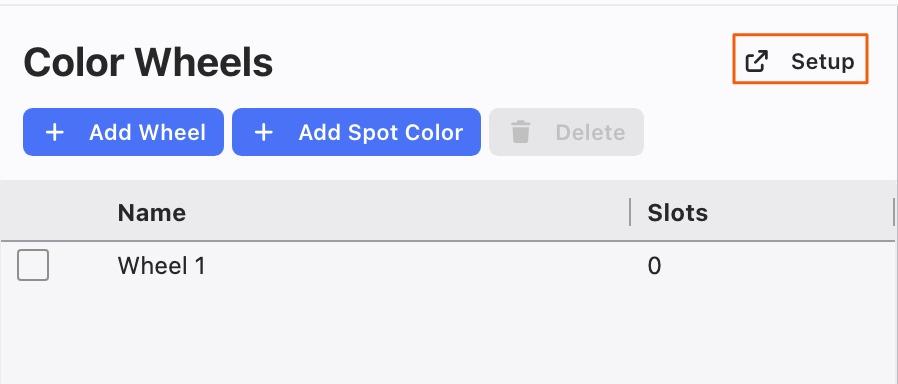
Touch Setup in the upper right.
The Name can be changed, as long as you start with the word "Wheel". Or you can use the Description.
After naming, tick the Selection box.
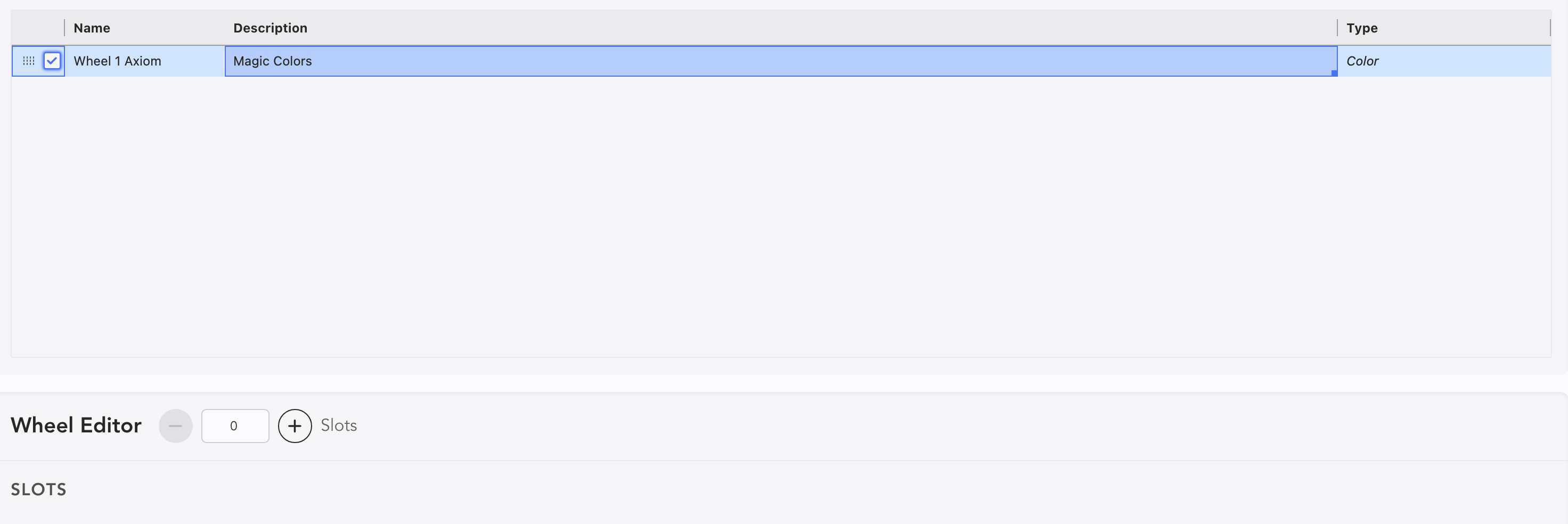
Now you can add Slots.
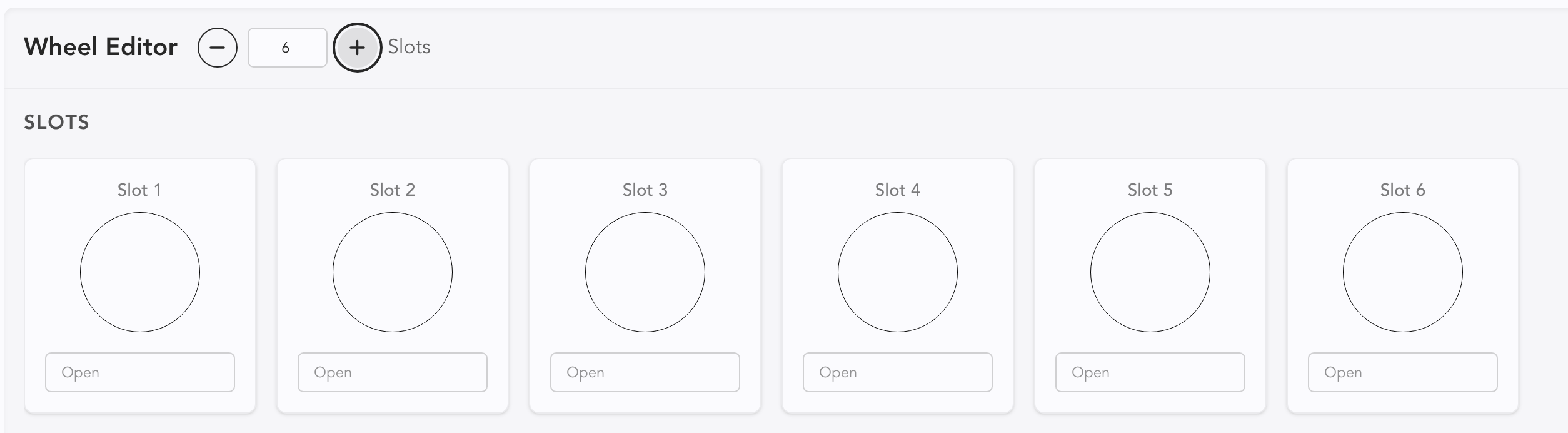
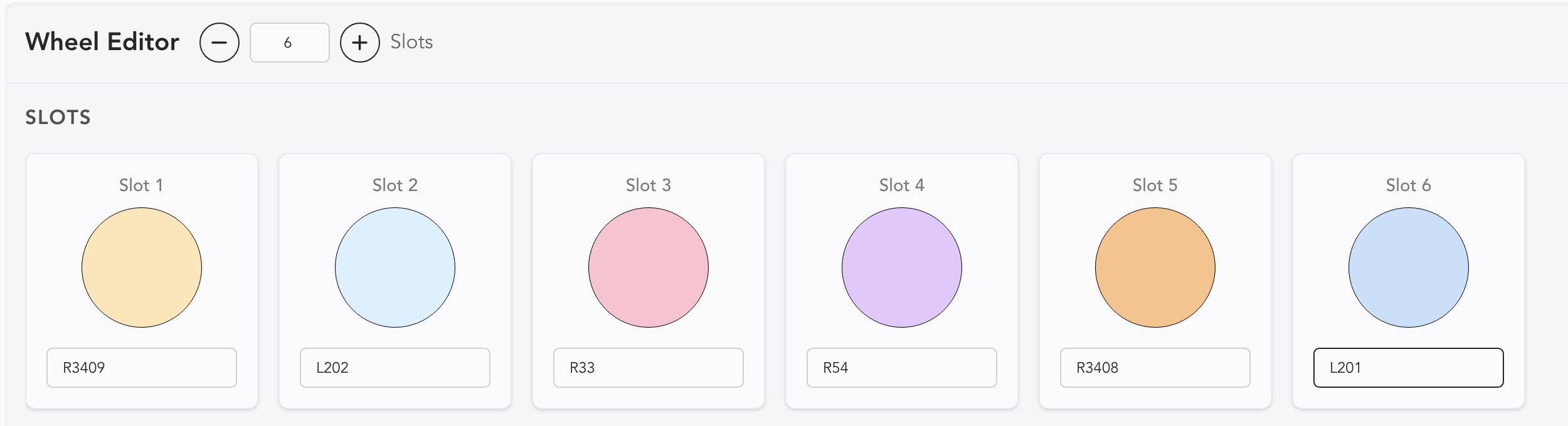
Type the colors you want into the field. If for some reason Lightwright doesn't have the color in the library, you will need to add it in Color Maintenance.
WARNING
Until you assign a Color Wheel to Device, Remove Unused (in Color Maintenance) will remove all Colors that are only used in a Color Wheel. Protect your data!