Appearance
Instrument Maintenance

Some options only exist on a per-Maintenance List basis. The above image is only most of the options. Another picture with more options is placed below.
Stock Quantity-- if you are working with a House Inventory, this is where you can inform Lightwright of those counts.
DMX Footprint-- this field will auto-populate if you choose a Profile in the next column. If the Profile isn't in the library yet, it's very helpful for address error checking to fill in this value.
Mode-- once you have chosen a Profile, there is a pull down menu here of the modes you may choose from.
Load-- once your Profile is assigned, this is autopopulated. If no Profile is available, you can fill this value in yourself.
Weight- a place to manually fill in the weight for your Instrument.
Gobo Size, Color Frame, Frame Count-- places with pull down menus of choices.

Symbol-- directly connected to Vectorworks, this item allows you to change which symbol is being used in Vectorworks.
On Plot-- There may be time you want to add data to a synchronized file that you don't wish to push to Vectorworks. Deselecting On Plot allows you to do that.
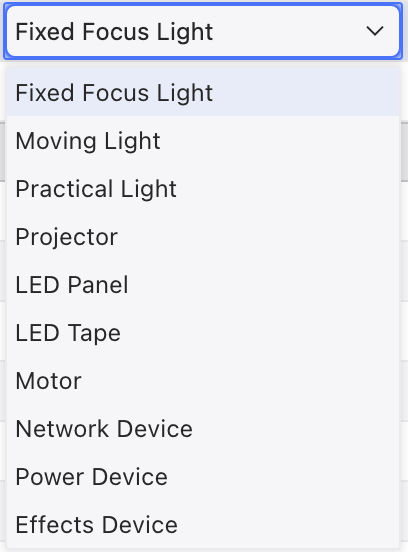
Device Type-- Choose from the pull-down options of Device Type.
- Note-- Add a note to your Instrument or Device.
Instrument Maintenance Sidetabs
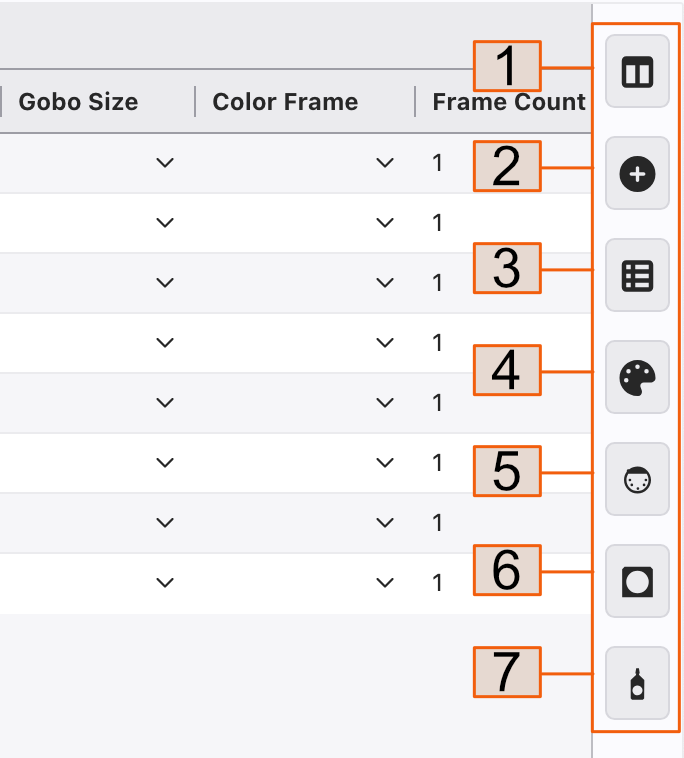
Columns-- sort, hide or add Columns here.
Add Item
Devices Using Item-- Select any device and touch this tab to see a list of where it is used.
Format-- Customize text size and Row color by Instrument Type.
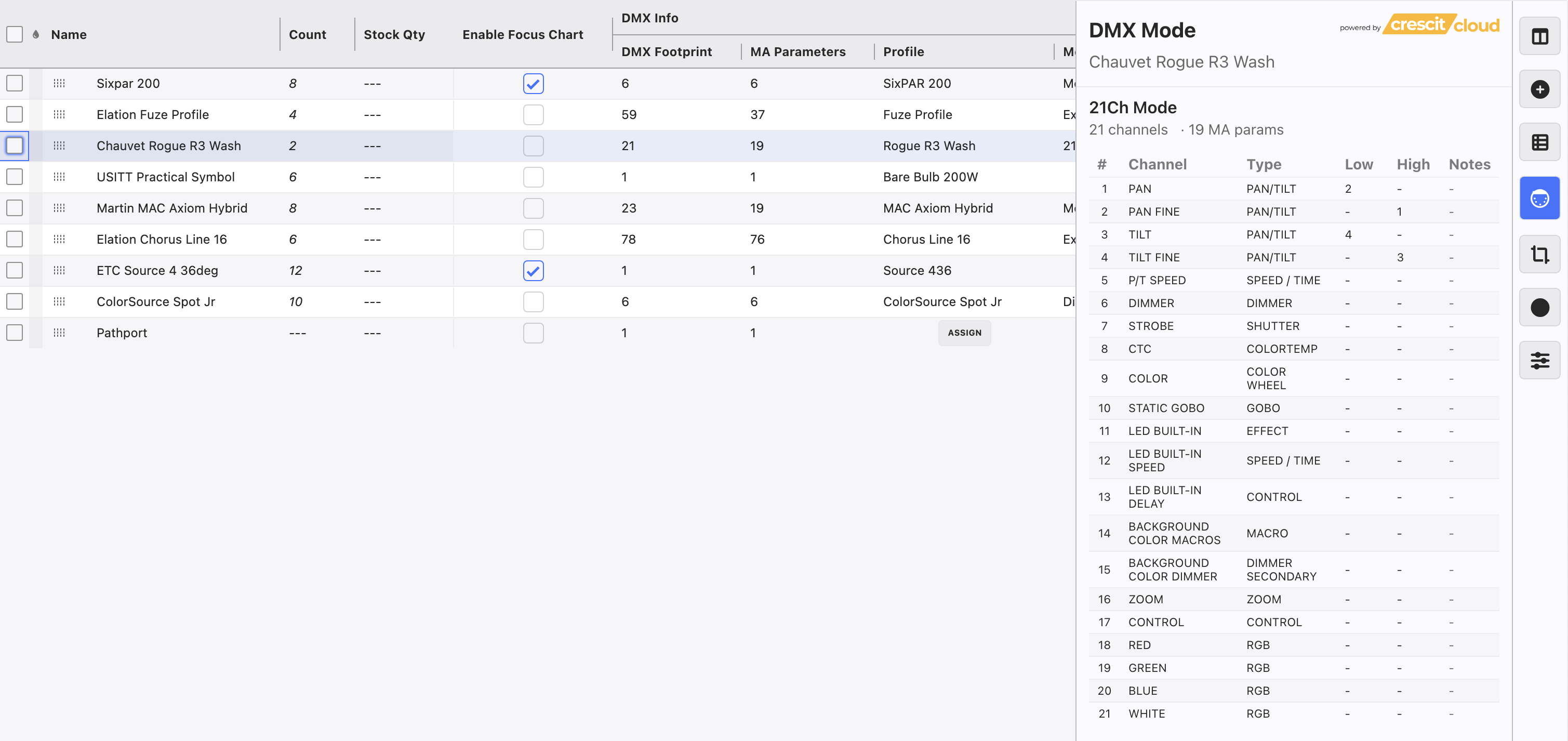
DMX Mode-- Select any device to view the fixture mode map.
Color Frames-- a place to assign and add color frame sizes.
Gobo Sizes-- a place to assign and create gobo sizes.