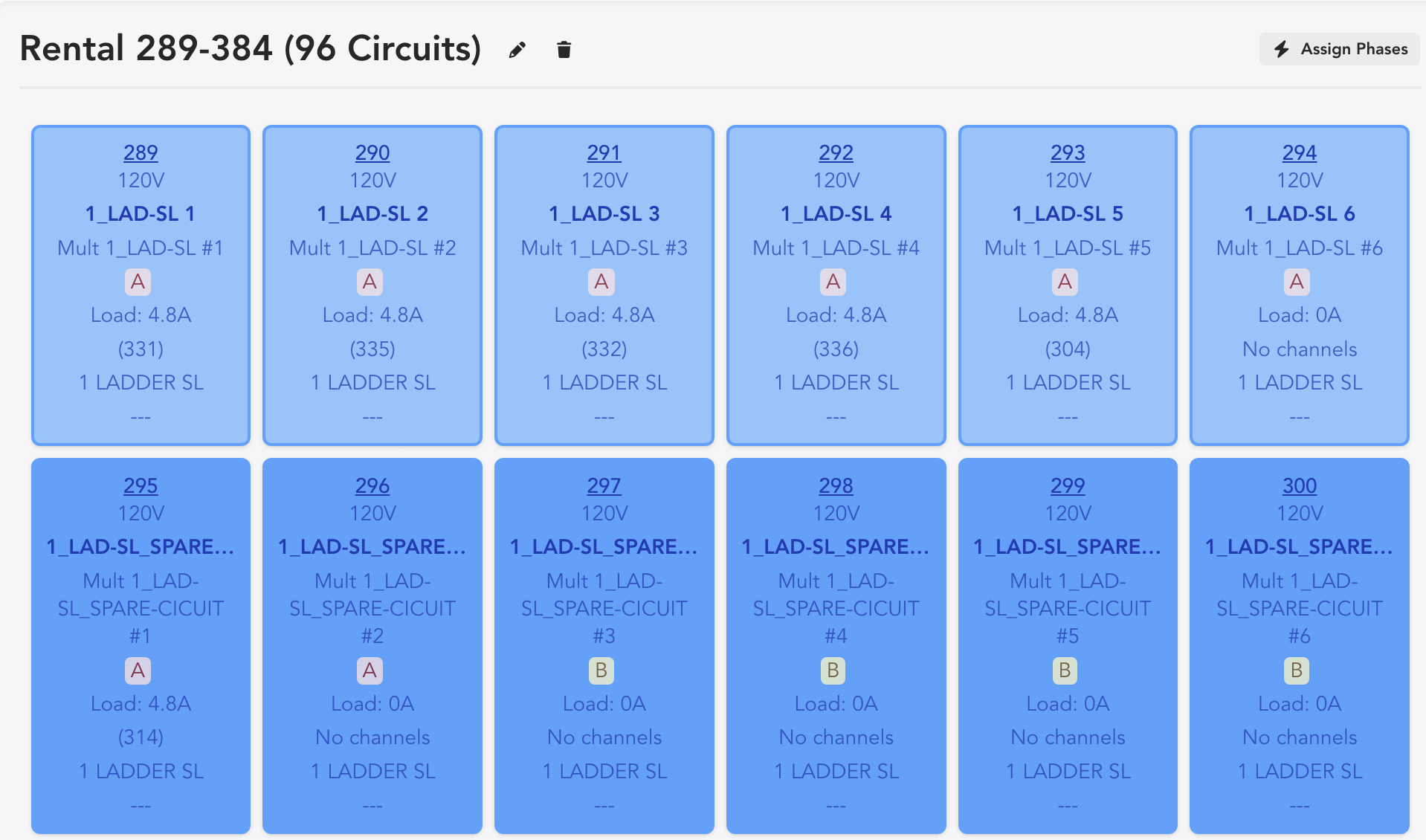
Appearance
Power Plan
To go to the Power area, touch the icon  in the upper right.
By default, Lightwright opens in the Power Plan then remembers your last selection. The pull-down menu attached to the Power icon in the upper right of the interface changes your view.
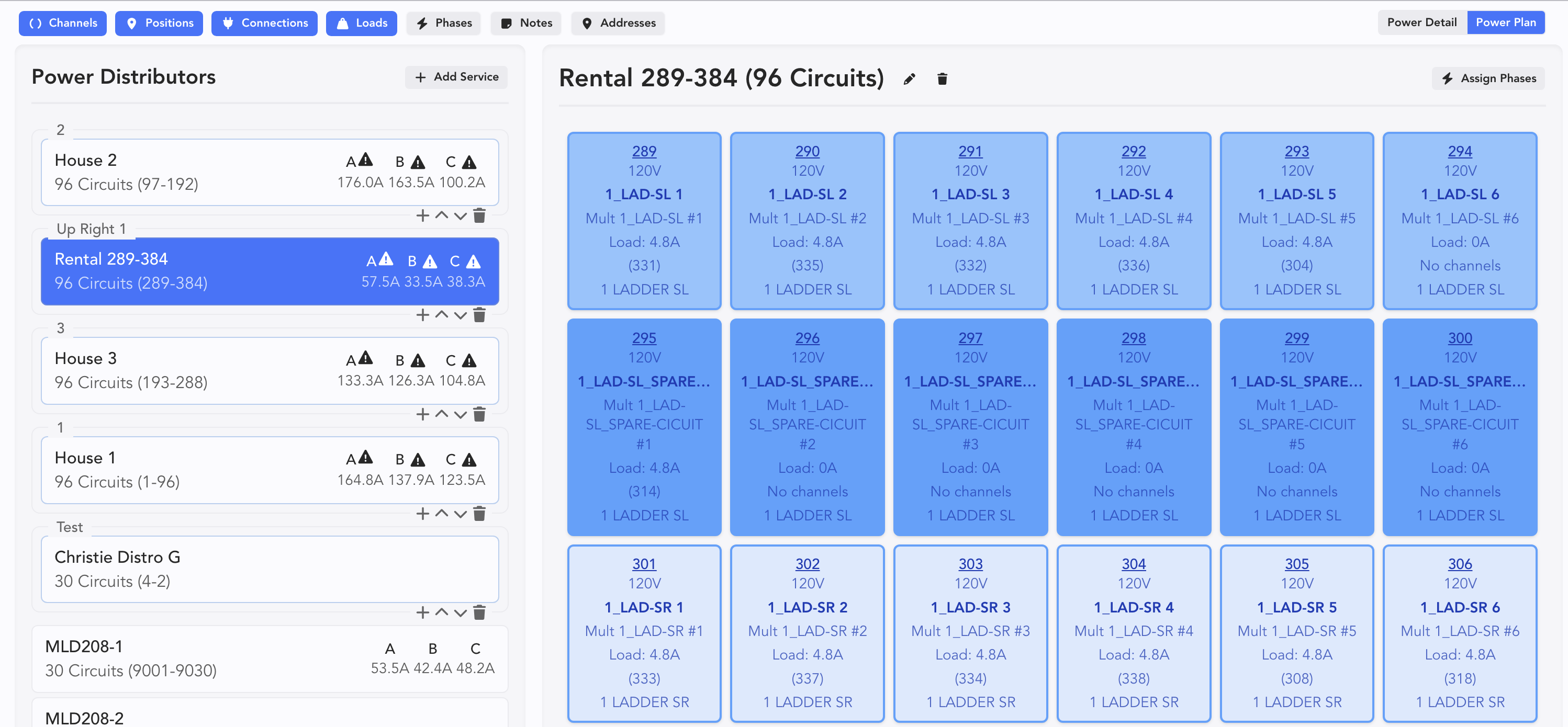
This is a visual depiction of your electrical system. The viewing area on the right is showing the selection on the left.
Here, you can set up Services, Dimmers and Power Distros (PD). To begin, add a Service.
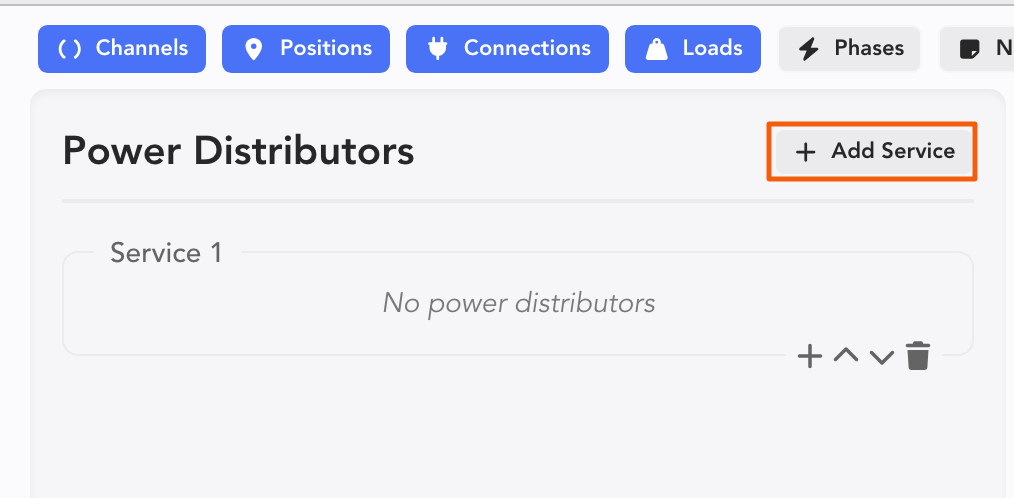
Once you have a Service, you can add a Power Distributor by touching the +. A popup opens.
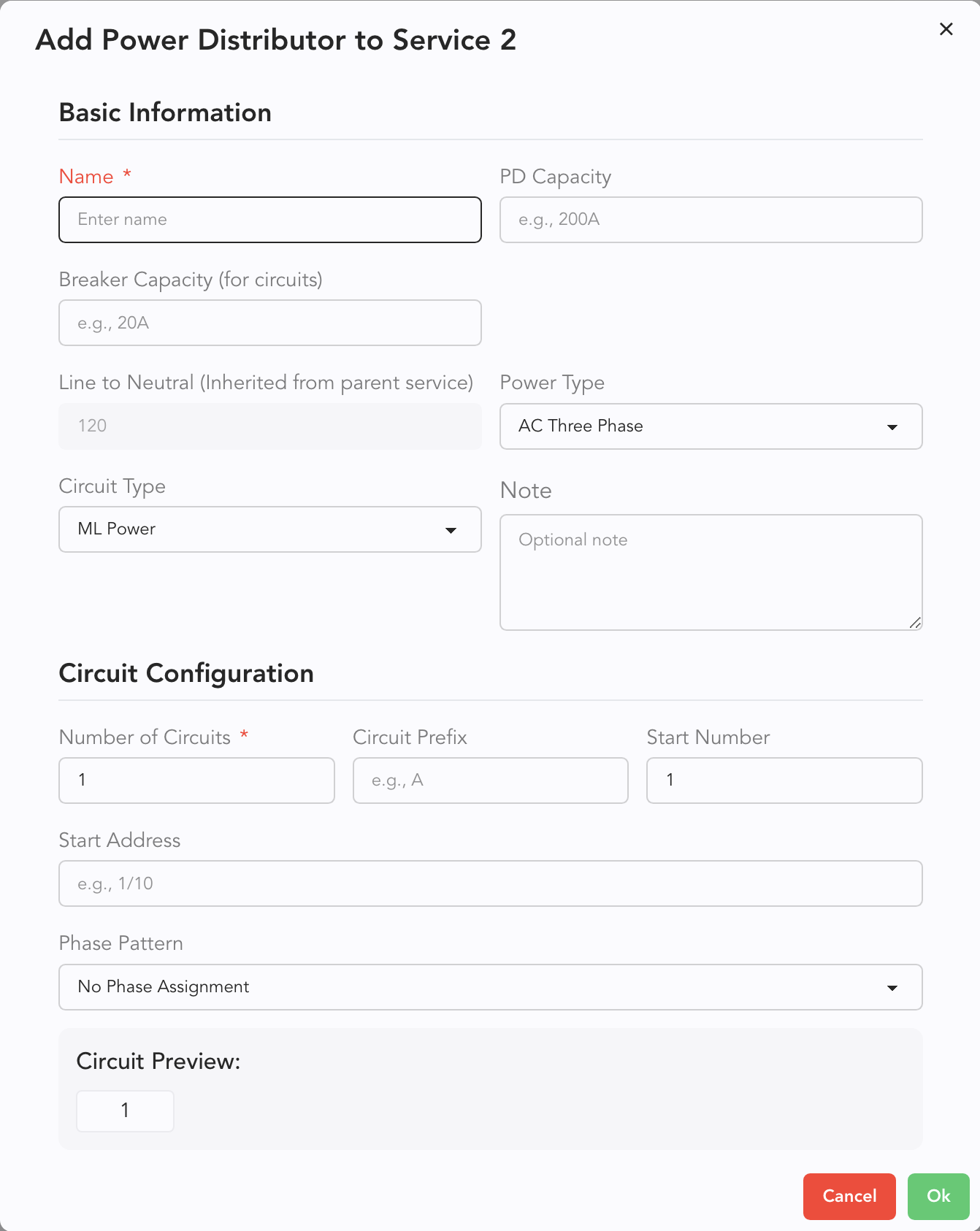
Name, set breaker capacity, choose the Power Type, etc. If it's relevant, you can set addressing at the same time.
Once you have distros, notice the Filtering options in the upper left. These are toggles to view or hide data on the Right.

Opting into everything can make your Circuit icons rather large.