Appearance
Gobo Maintenance
Common Maintenance Tools (covered at top of Maintenance) are all present in Color Maintenance as well as some that are unique. Let's go over them.
Add Gobo Image
If Lightwright can't automatically provide the image for your gobo, click the Gobo Upload button  and direct the popup to where you have the image stored on your computer. Lightwright will import a copy into the show file and attach it.
INFO
To create a Gobo Wheel, all of your images must already be created in Gobo Maintenance.

Exclude from Counting-- a way to exclude any gobos from being counted.
Include Size Count-- a toggle that add counts of your gobos by size
Gobo Maintenance Sidetabs
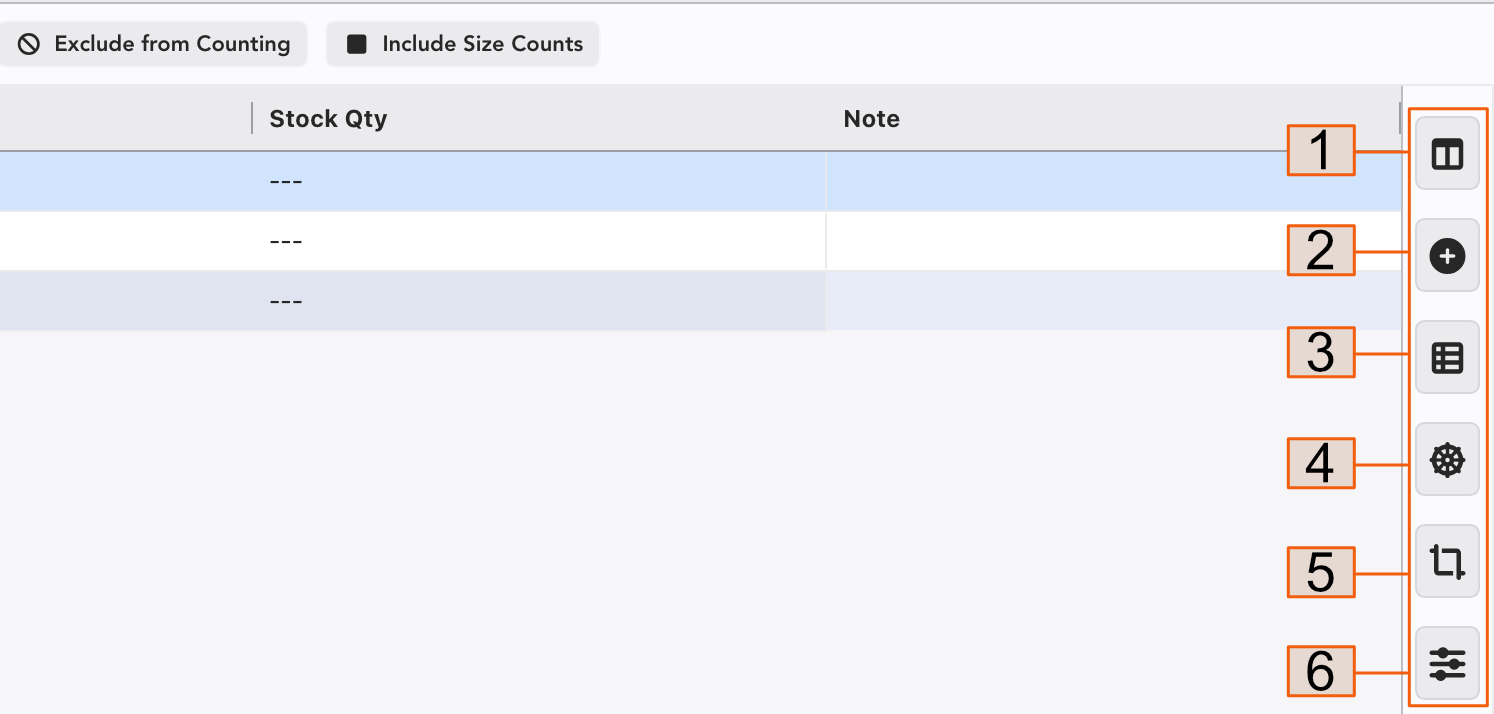
Columns-- sort, hide or add Columns here.
Add Item
Devices Using Item-- Select any color and touch this tab to see a list of what devices are using it.
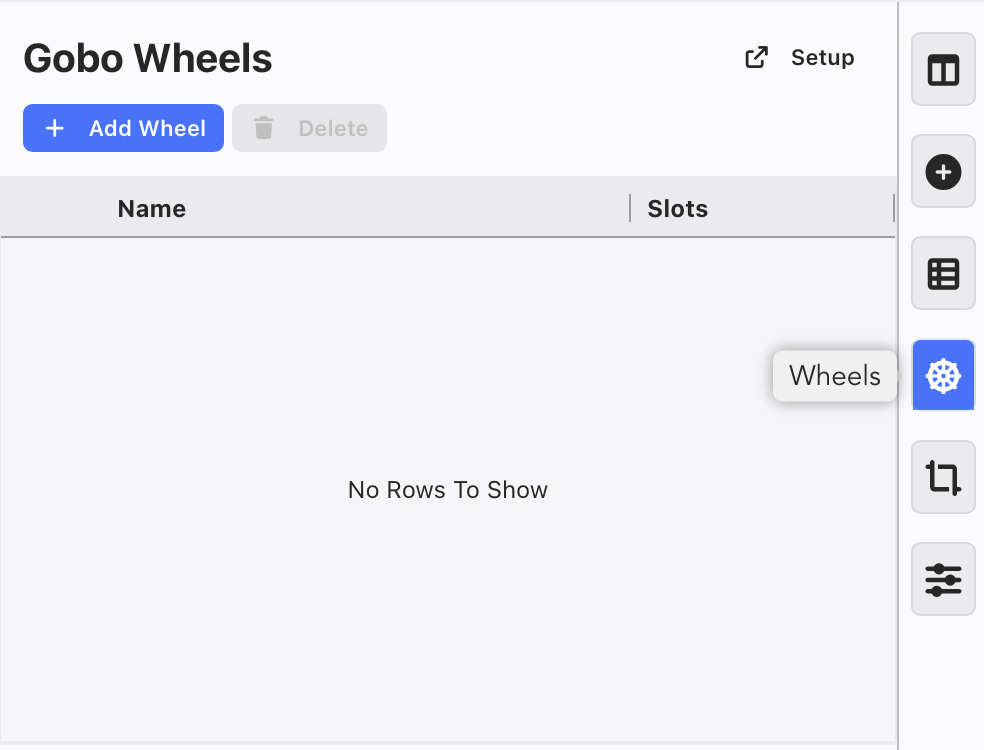
Wheels-- Opens your list of Gobo Wheels. This is also where you start building Wheels and add Spot Color. Adding Wheels will be covered at the next section.
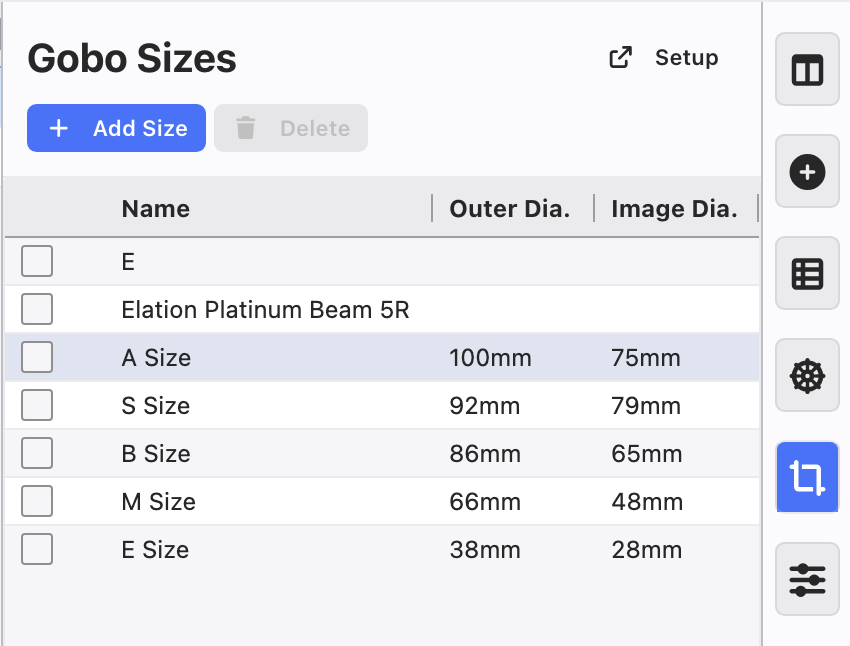
Frames/Sizes-- a place to customize and add your gobo sizes.
Settings