Appearance
Worksheet Settings
Touching the icon on the sidetab opens Worksheet Settings. 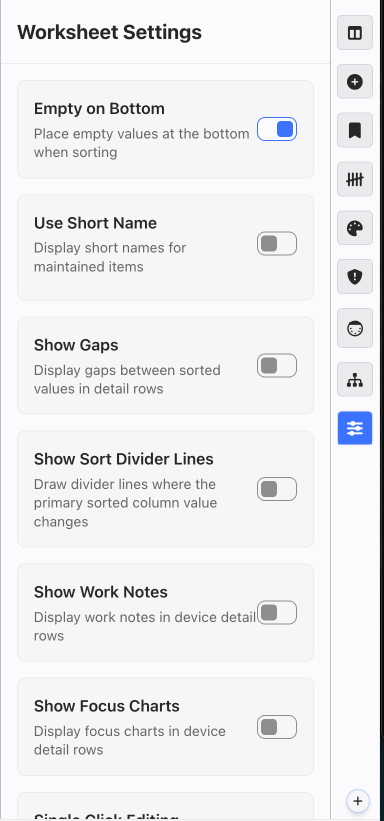 Options:
Empty on Bottom-- press this to opt to have new empty Devices added to the top of the Worksheet.
Use Short Name-- save space in your Worksheet by turn this preference on, which will select the short names from Maintenance.
Show Gaps-- show in the Worksheet where you have numbers available with this function.
Show Sort Divider Lines-- turn on to show dividing lines between categories of the Worksheet sort. Example: When the Worksheet is sorted by Position, lines will appear between each the 1st elec, 2nd elec, etc.
Show Work Notes-- turn this on to view your Work Notes in the Worksheet.
Show Focus Charts-- turn on to view and edit Focus Charts.
Single Click Editing-- enable this to edit a cell with one click instead of two.
Bulk Edit Mult Name Popup-- when you assign a Mult name to devices in the Worksheet, a popup appears to walk you through assign circuits. If you'd prefer to not have the popup, turn this Setting Off.