Appearance
User Defined Columns
User Columns are created in Settings. Go to Setting by touching the cog  in the upper right-hand corner. Touch the Column Setup Tab at top.
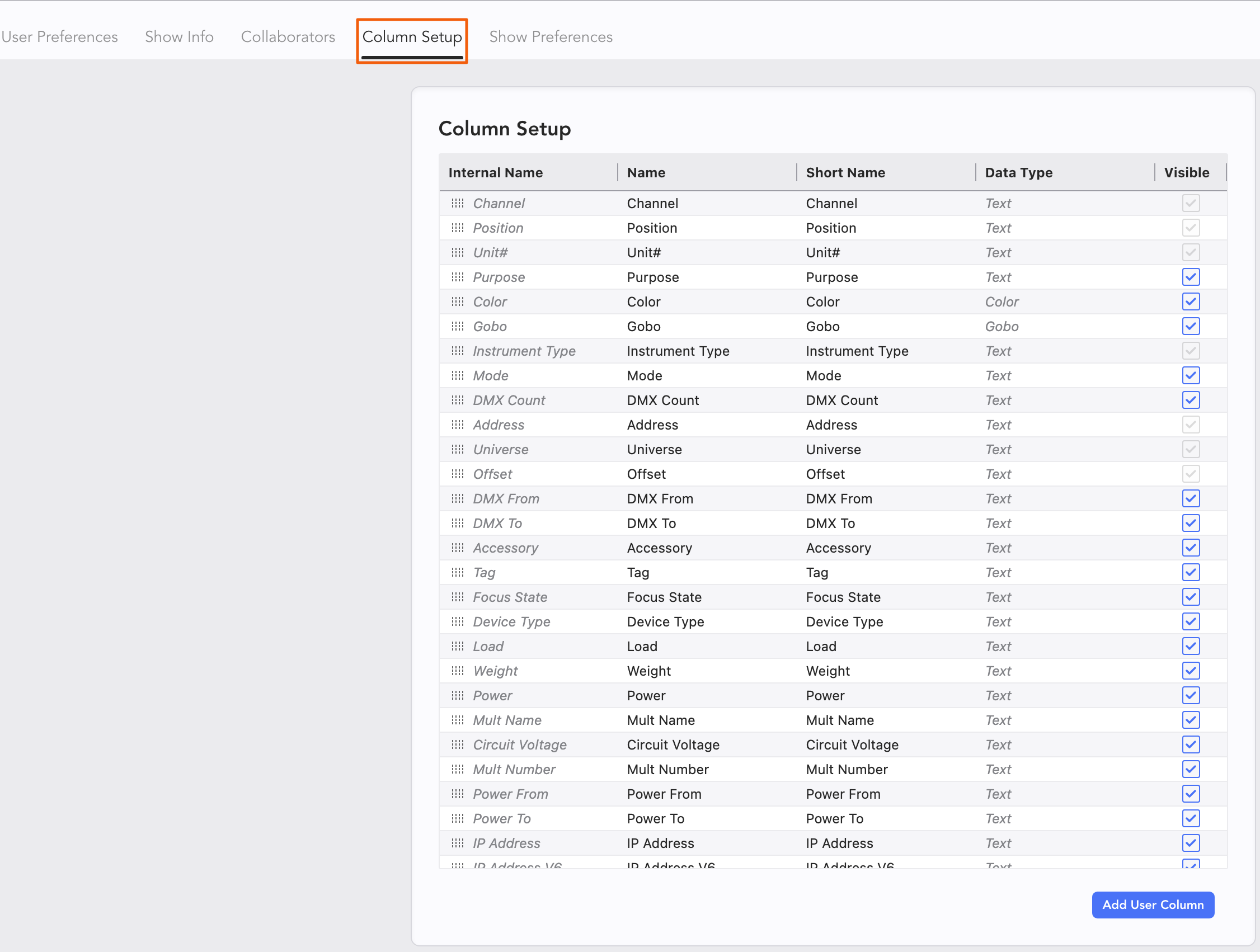
To create a new Column, press Add User Column in the bottom right.

The new Column appears at the end of the list. Name it as you wish. Please note the last name is for internal Lightwright use.

This Column now appears everywhere other Columns do. It will use the Common Maintenance Tools as well.